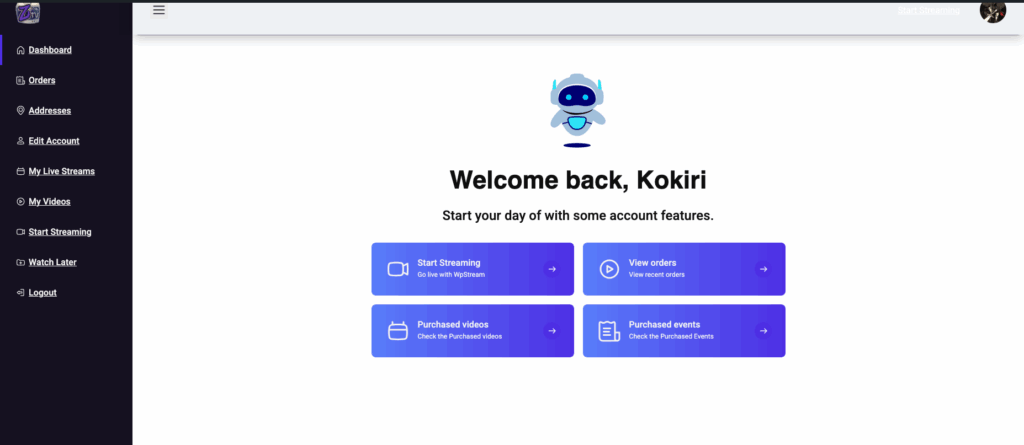
Upon logging into your account, you will gain access to your ZTV Dashboard — a centralized control panel that allows you to manage every aspect of your channel and personal information. From here, you can modify your account settings, upload visuals, set up streaming preferences, and interact with your audience.
The dashboard is designed with ease of use in mind, featuring a clean interface that organizes key functionalities under specific sections such as:
- Edit Account
- Start Streaming
- Media Management
- Channel Customization
- Analytics and Stream Data (coming soon)
Each section is vital to your success as a ZTV creator, and this guide will help you navigate them efficiently.