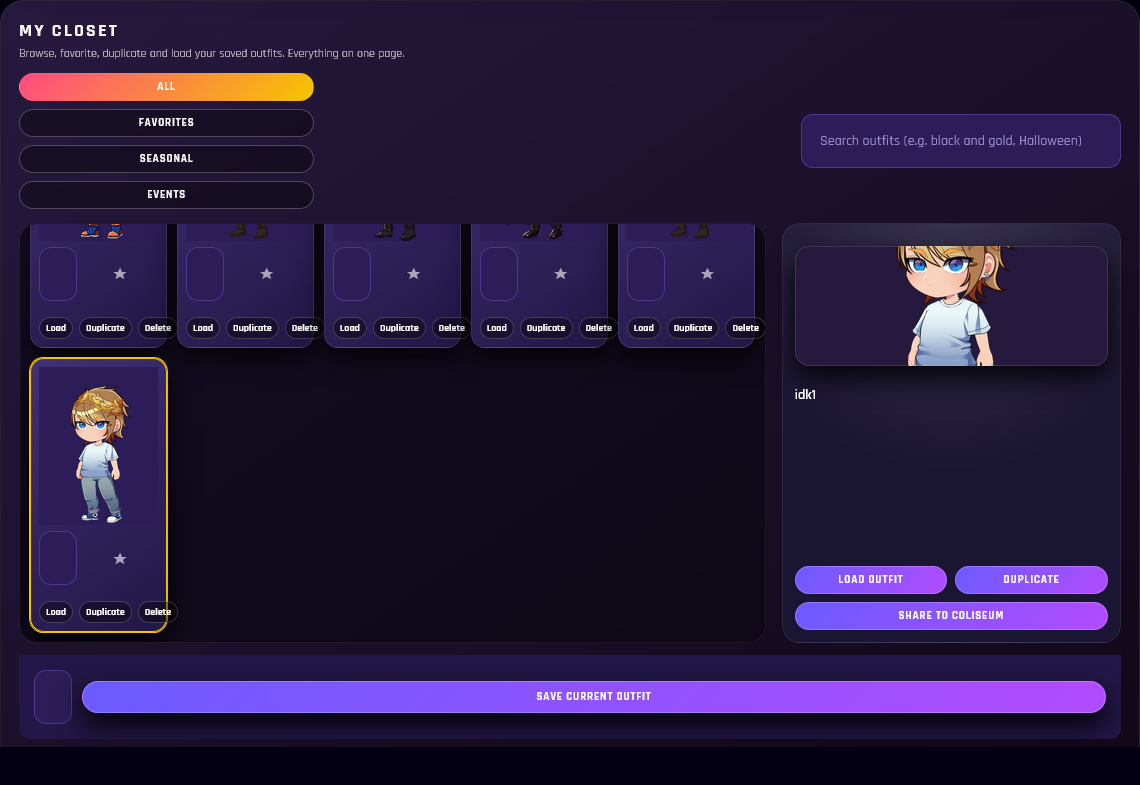
Closet UI + Collecting
Browse items by category, build outfits, and keep your collection growing through events, trades, and drops.

Zenkai Online blends a modern social network with an avatar dress-up game, forums, groups, and a virtual world — plus ZTV streaming for creators and events.
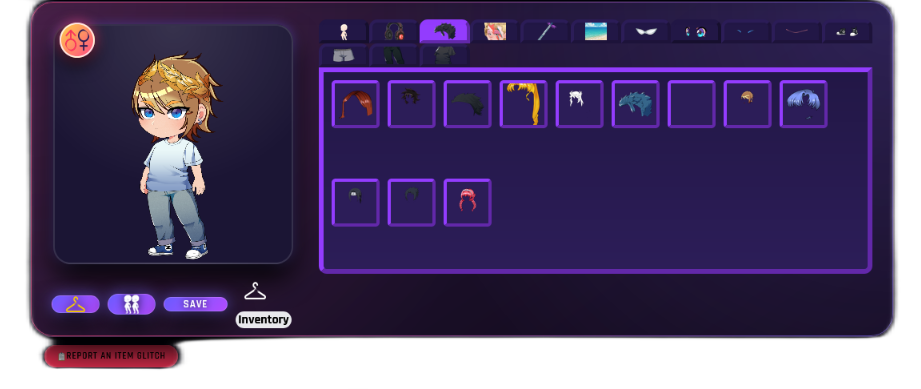
Mix-and-match layered items, save outfits, show off your style on profiles, posts, and in the world.
Browse items by category, build outfits, and keep your collection growing through events, trades, and drops.
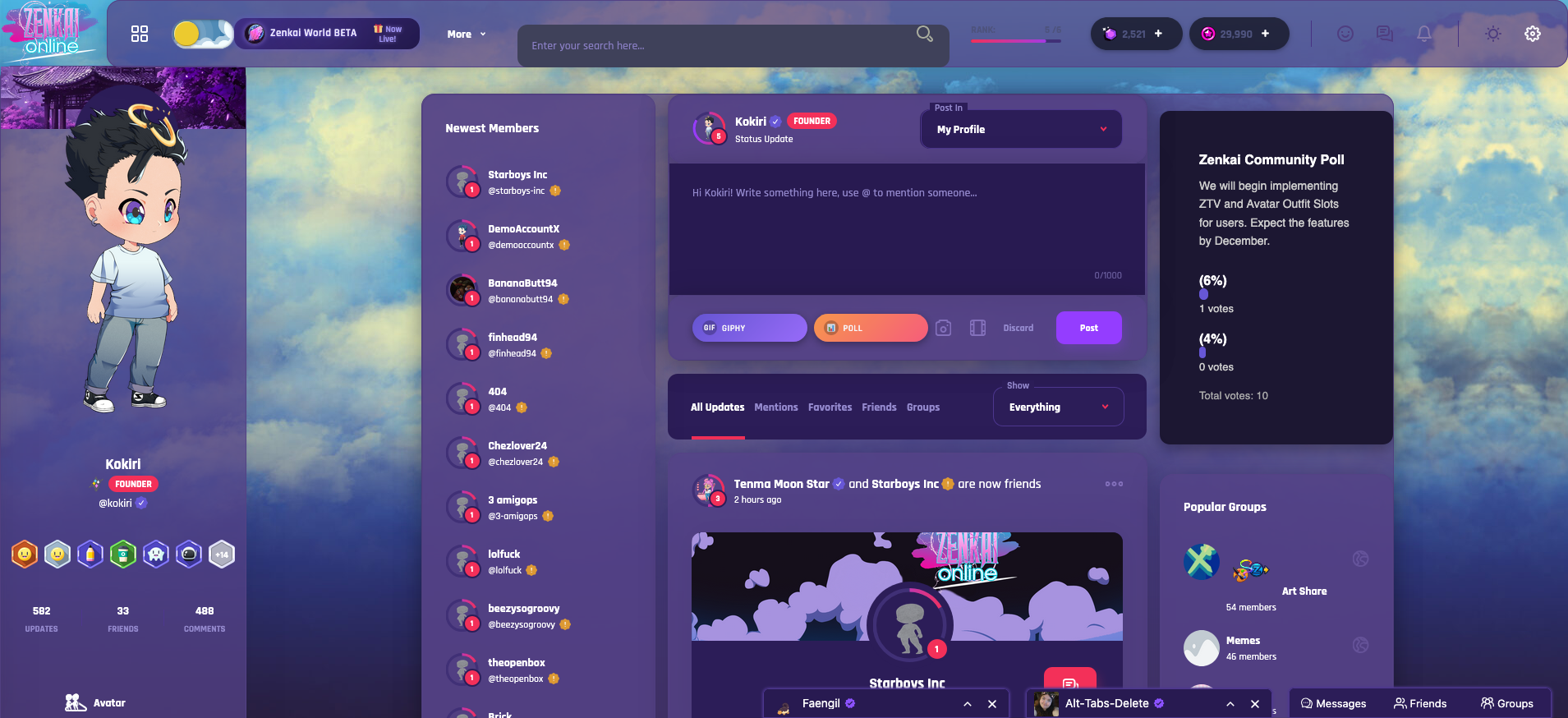
Turn your profile into your own mini-site: add music, top friends, custom layouts, and let visitors leave comments.
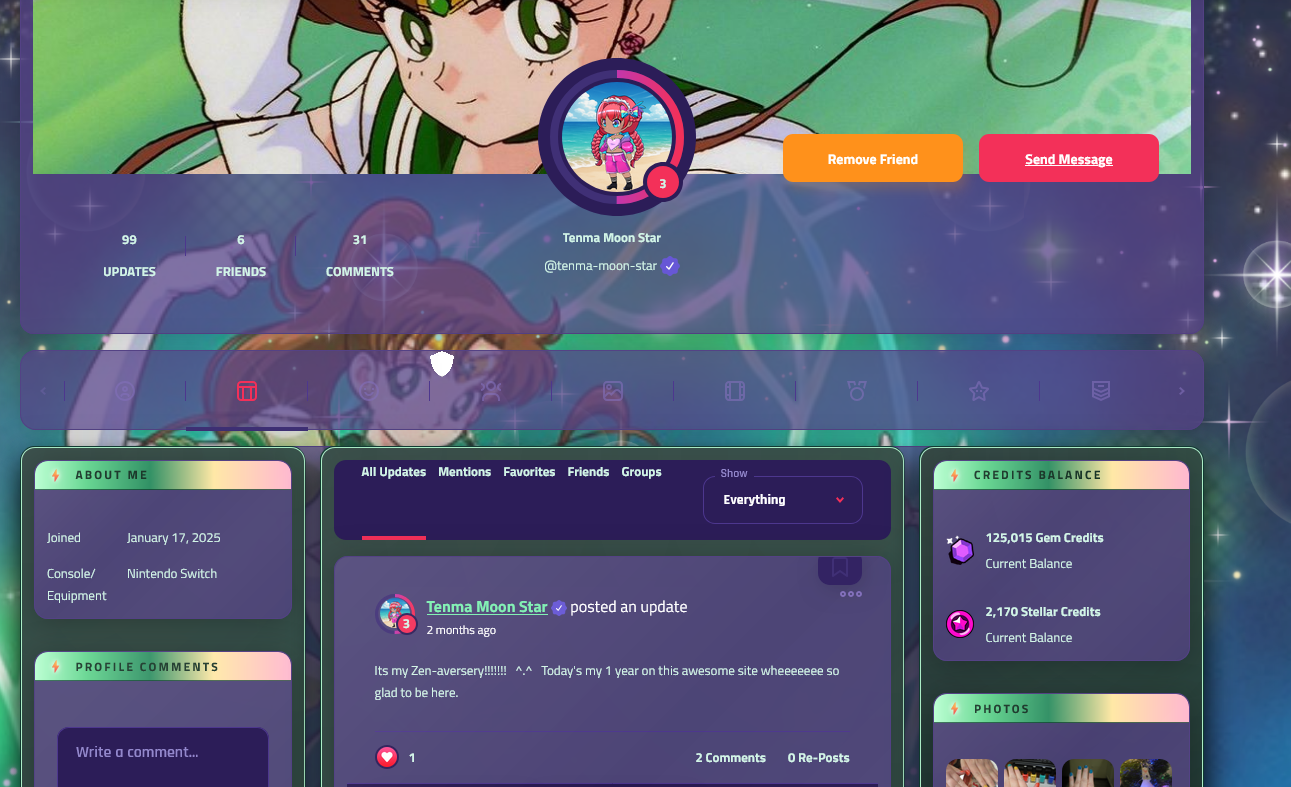
Choose your look, show off your avatar, pin your favorites, and make your profile feel truly personal.
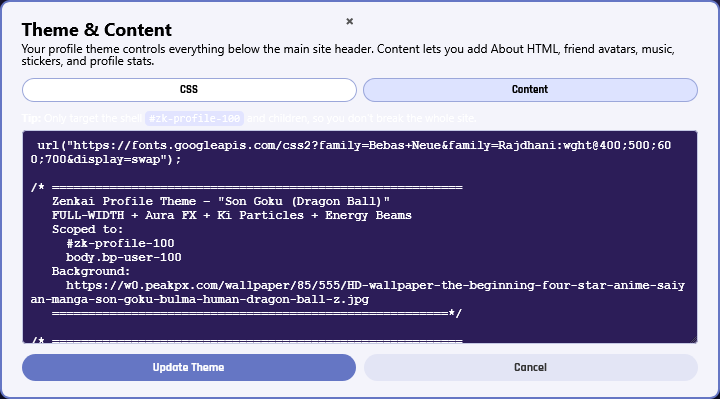
Build your layout with code and styling — perfect for banners, sections, and custom profile widgets.
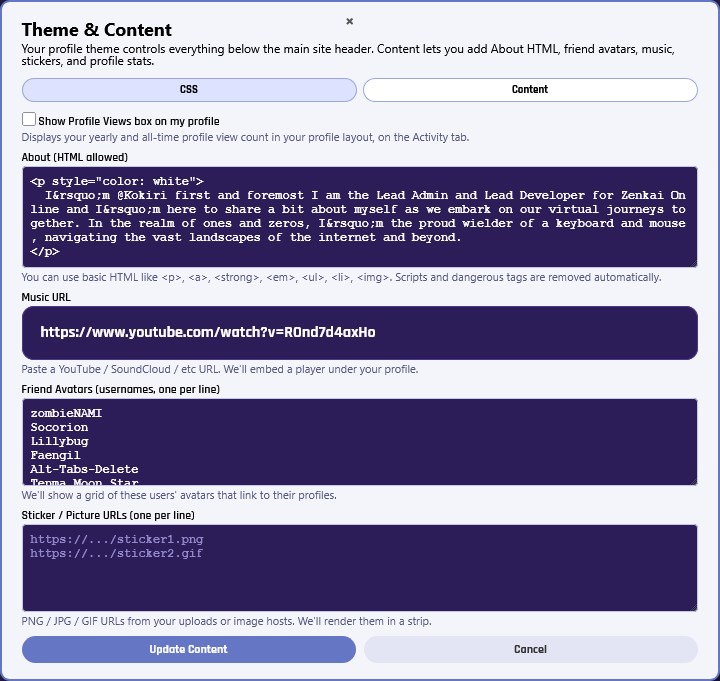
Edit profile modules, personal widgets, and the content you want people to see first.
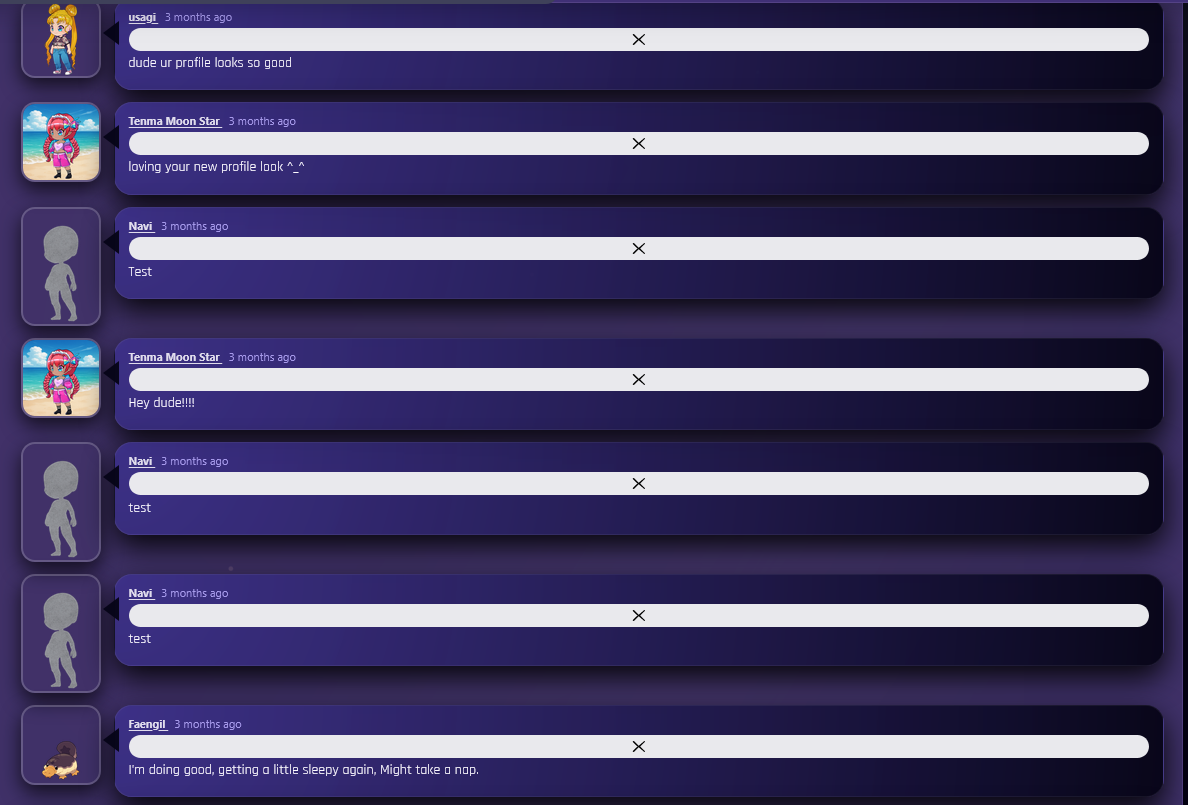
Leave love, say hi, drop reactions, and keep profile pages feeling social and active.
Zenkai profiles aren’t just “bio pages.” They’re personal spaces — like the old internet, but upgraded: design your page, add media, show off friends, and keep it interactive with comments.
Walk around maps, meet up with friends, and jump into seasonal events without needing a download.

Meet friends, explore, and take part in rotating community events designed for avatar lovers.
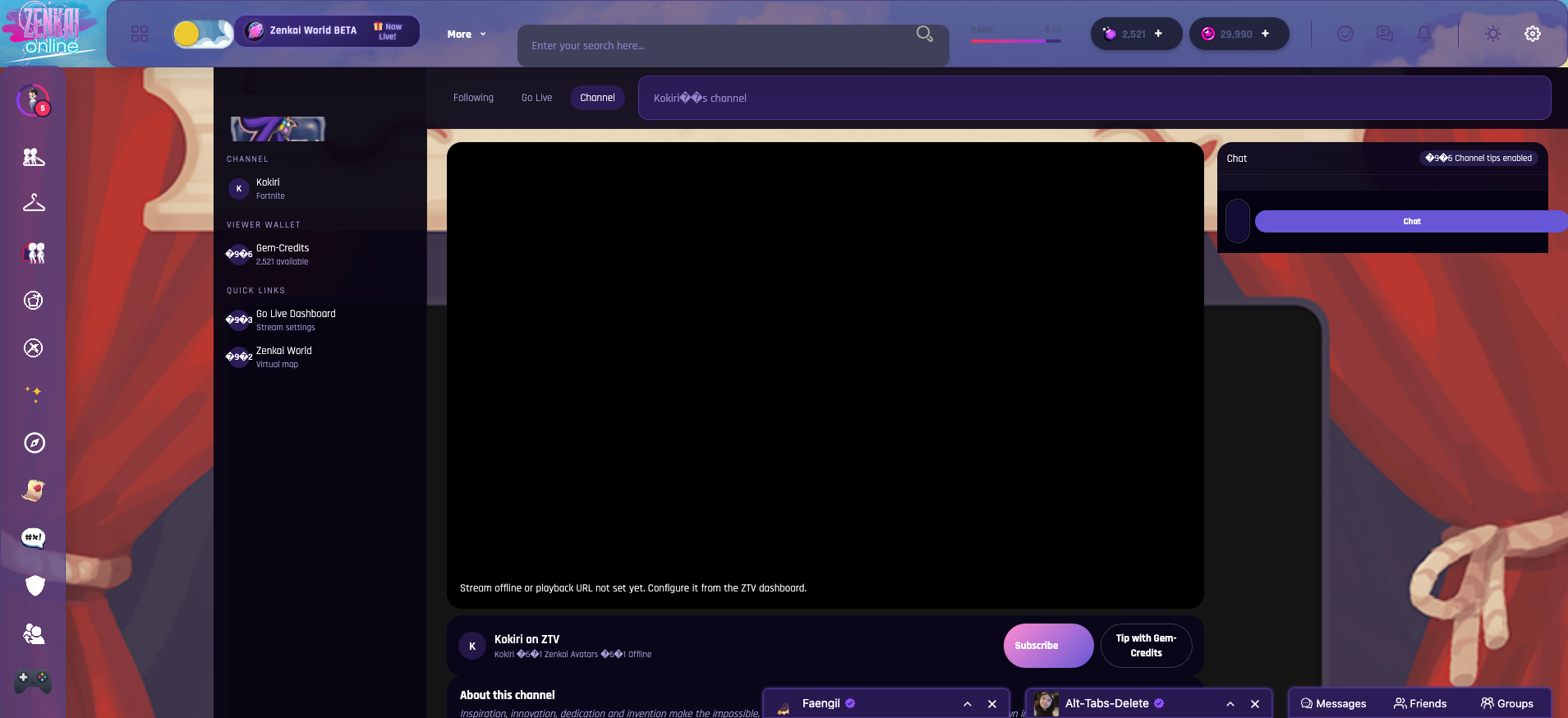
Go live, host events, chat with viewers, and build your community without leaving the site.
Streams, categories, and community discovery — built to feel native to the avatar world.
A quick peek at what Z’ers are posting right now.
Make an account, build your avatar, and jump into the feed. Whether you’re here to chill, collect, roleplay, stream, or just vibe — there’s a spot waiting for you in Zenkai Online.